
AI Full Lateral Spine Analysis
Live
AI-powered full lateral spine analysis that evaluates spinal curvature, sagittal alignment, and postural relationships using detected anatomical landmarks.
Learn MoreAutomate supported spinal and pelvic measurements, review AI-powered analysis, and create X-ray reports in one unified ChiroPax platform.
Trusted by Chiropractic Practices








Review AI-generated measurements and annotations directly on the X-ray.
Live AI analysis capabilities within one connected ChiroPax platform.
AI-powered full lateral spine analysis that evaluates spinal curvature, sagittal alignment, and postural relationships using detected anatomical landmarks.
Learn MoreAI-powered lumbar X-ray analysis that measures spinal alignment, lateral deviation, lumbosacral angulation, and sacral base asymmetry using detected anatomical landmarks.
Learn MoreAI-powered pelvic X-ray analysis that quantifies pelvic asymmetry, sacral alignment, and iliac positioning, with Gonstead-style annotations for clinical review.
Learn MoreCervical disc-space detail
Lower cervical detail
Lumbar posterior-element detail
Lateral spine alignment detail
Product viewer details with presentation highlights. Select an image to view the full original. Category-specific outputs vary by model.
Supported AI outputs, manual assessment, and report observations serve distinct roles in the cervical and lumbar analysis experience.
Access the three AI analysis models and manual measurement tools from the Gonstead menu in the ChiroPax viewer.
See how CHIROPAX connects digital X-ray imaging, AI-assisted analysis, clinical reporting, and patient communication in one streamlined workflow.
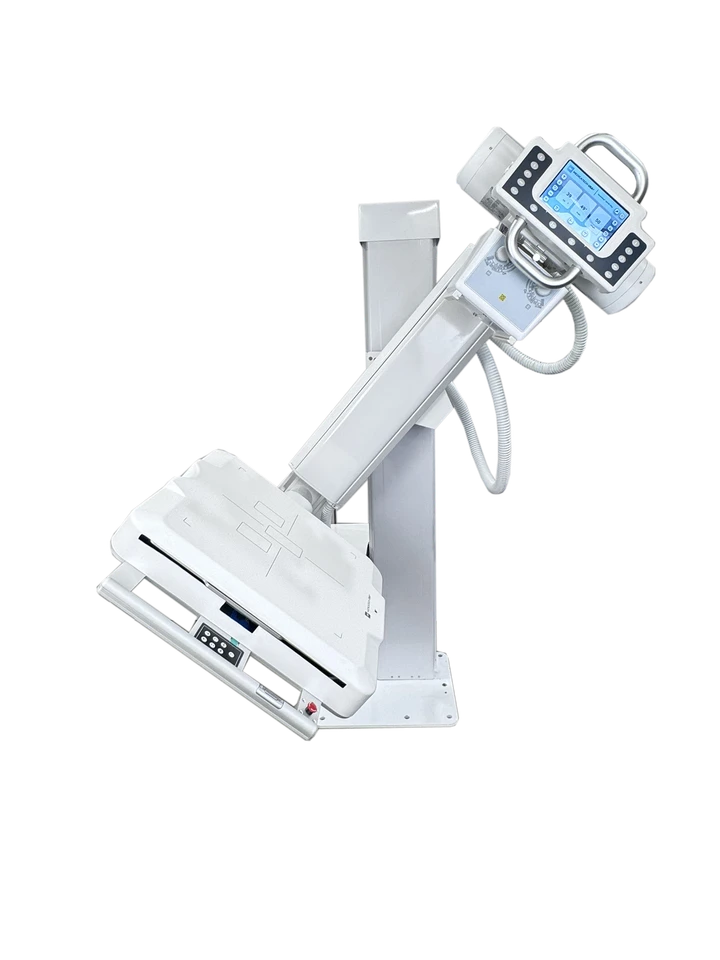 Digital image capture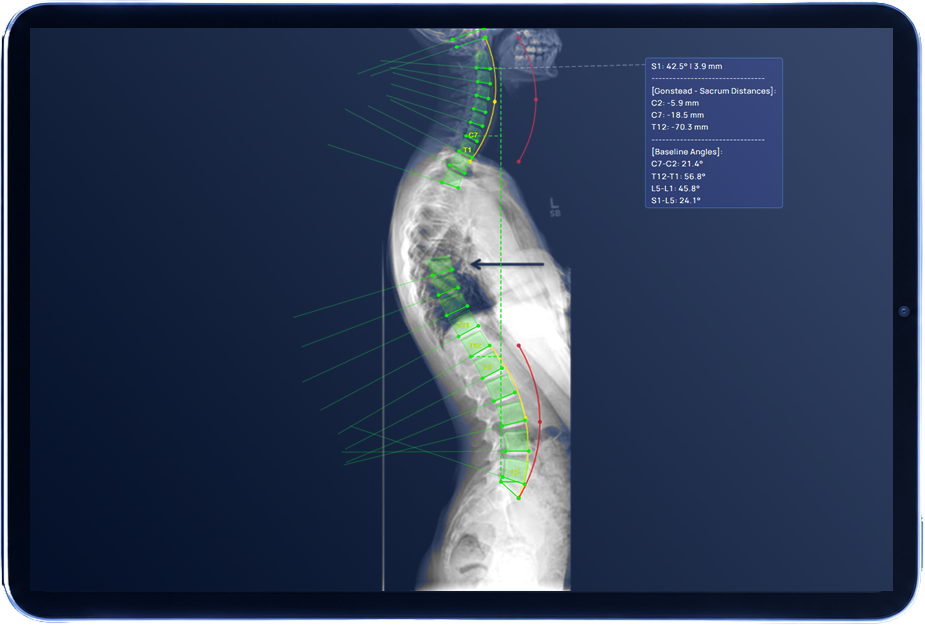
Capture digital X-ray studies using your clinic's imaging equipment.
Imaging equipment captures the study. CHIROPAX does not operate the X-ray machine.
Capture digital X-ray studies using your clinic's imaging equipment.
Imaging equipment captures the study. CHIROPAX does not operate the X-ray machine.
Transfer studies through supported, configured imaging integrations or upload them manually.
Automatic transfer depends on your clinic's supported integration and configuration.
Review AI-detected anatomical landmarks, spinal alignment measurements, and annotated findings in the CHIROPAX viewer.
The recording shows a cervical analysis example. Available measurements depend on the selected AI model.
Create detailed Initial and Progress Reports, review editable findings, add your signature, and export the finalized report as a PDF.
The recording shows report editing. Progress comparisons require comparable previous measurements. Final approval remains with the clinician.
Review imaging findings with patients and share finalized reports through supported channels.
The clinician explains the findings. Sharing options depend on the supported workflow.
Animation illustrates the workflow, not processing speed. Product example and illustrative report layout.
Turn annotated images and detailed measurements into editable, review-ready reports, with progress comparisons, signature support, and PDF export.
Present current findings, annotated images, and baseline measurements in a clear, structured report.
Compare current and previous measurements to document changes over time when comparable data is available.
AMA-Guides-structured AOMSI documentation.
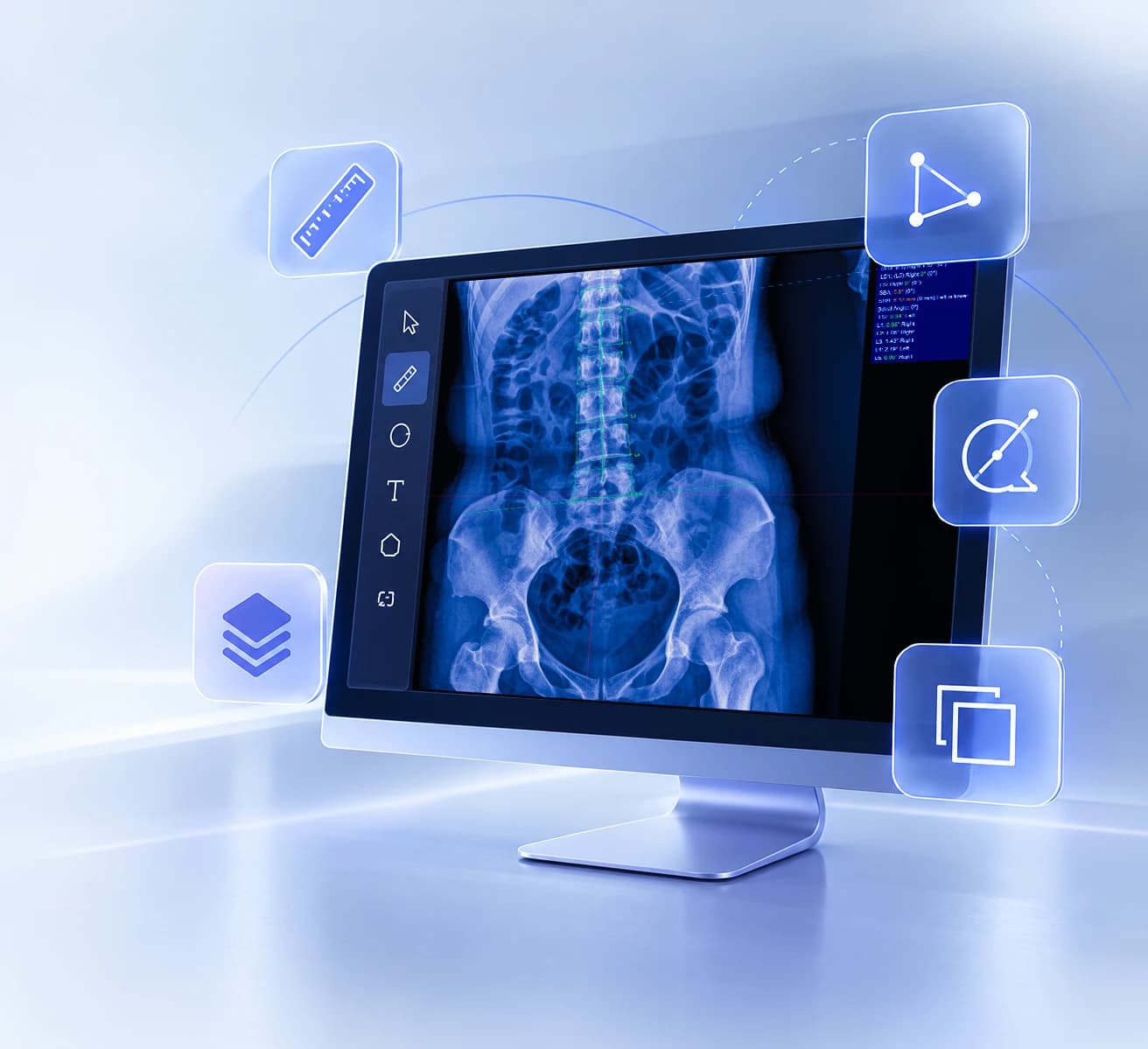
Use additional manual measurement, drawing, and image-viewing tools alongside AI analysis.
7 tool categories across the Advanced Viewer.
Behind the AI measurements, ChiroPax runs on a secure cloud platform covering the full imaging workflow: upload, AI analysis, viewing, comparison, and reporting, all in one place.
Supports Chiropractic Techniques
Discover how AI-powered analysis, imaging, and reporting come together in one platform.
Prefer to send a message instead? Contact us →